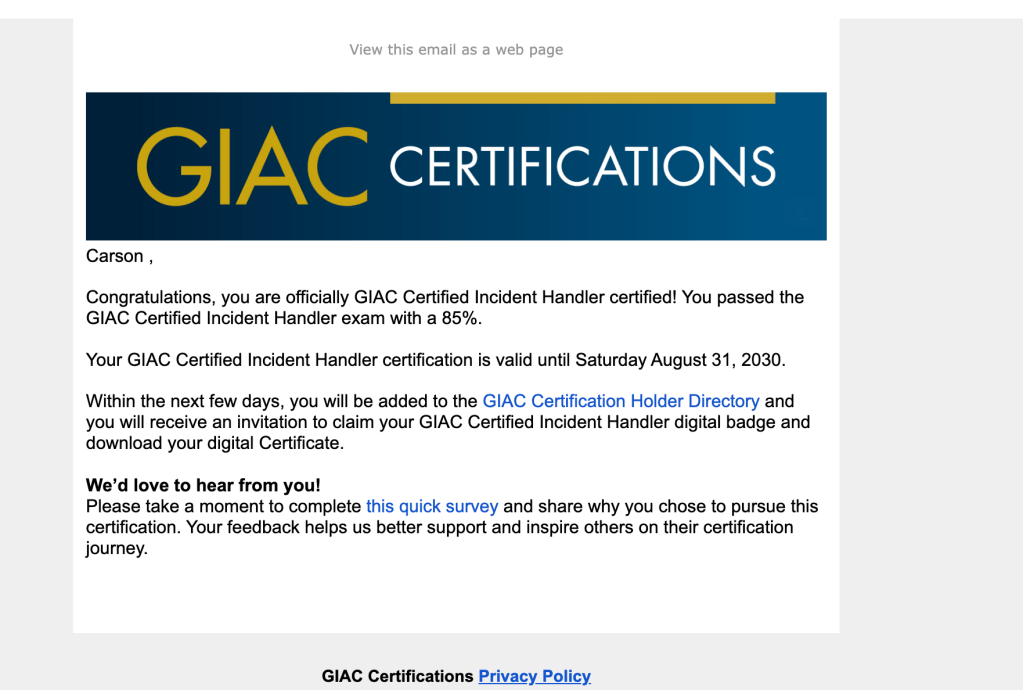
I still can’t quite believe it, but I passed on the first try. It has been a while since I posted anything here, so apologies for the radio silence. I waited almost a full year to take this exam because of some personal life stuff, and on top of that I was worried the course would have new material I never studied when I took SEC504 back in September 2025. Turns out the course had been rewritten to include new offensive LLM content, but I was able to work through it without much trouble. I’m pretty confident I got 100% on the CyberLive portion, which was my biggest worry going in.
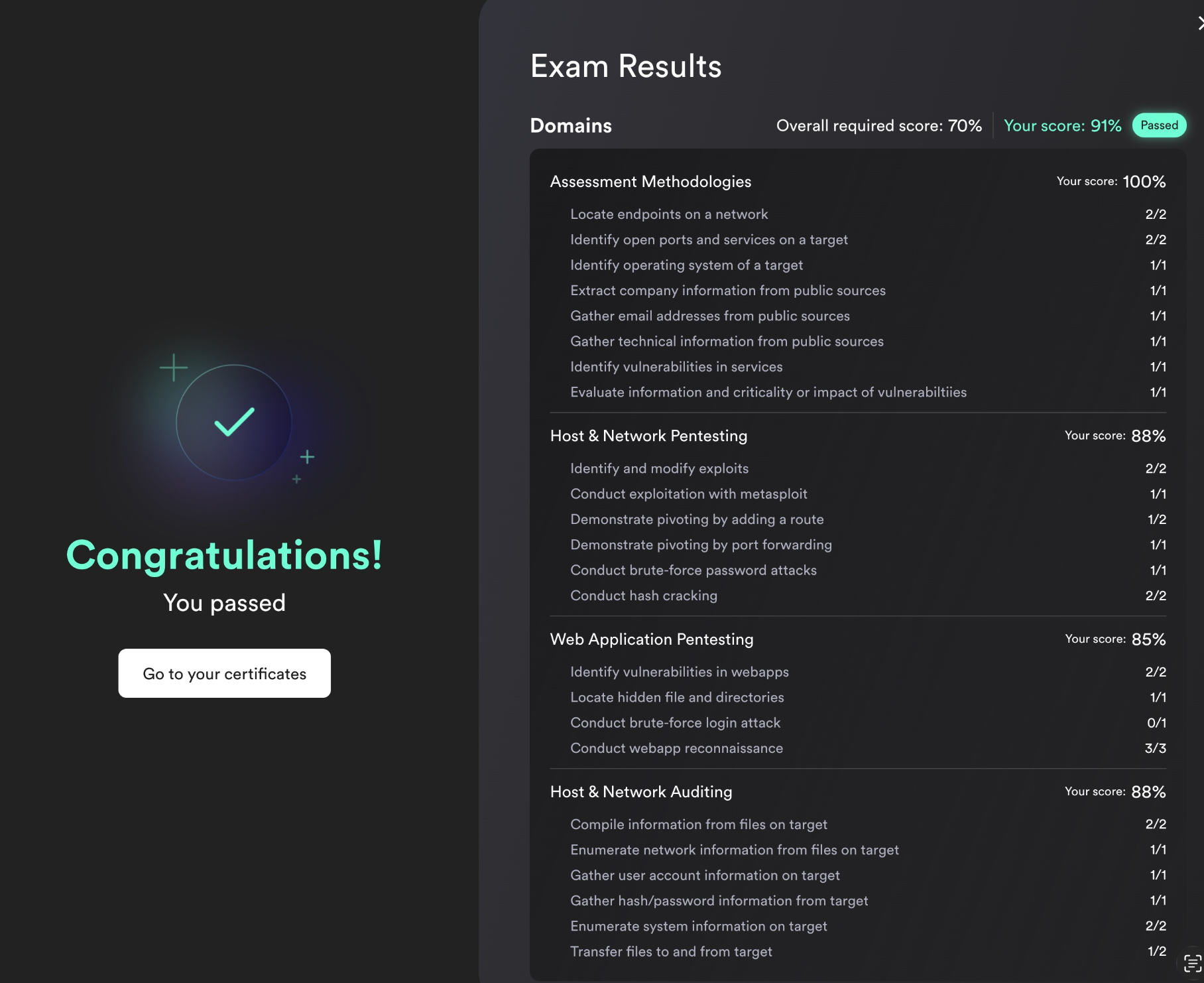
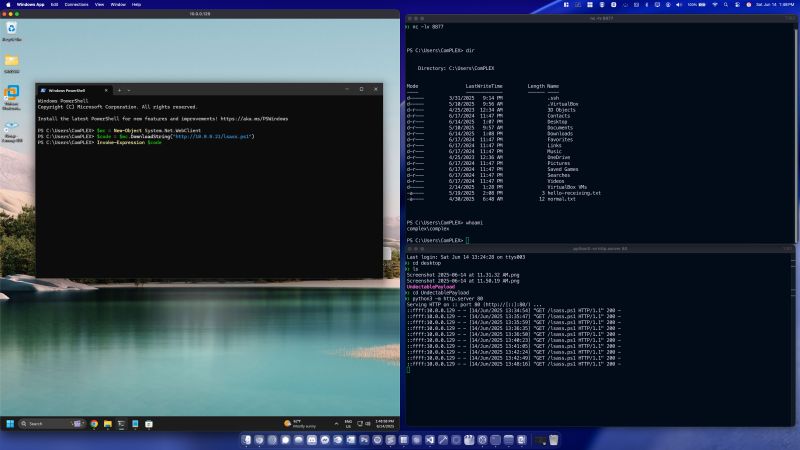
The CyberLive questions really only take about five to ten minutes each, sometimes even less. I only had to flag one initially because it was a bit confusing, but revisiting it near the end made it click and I was able to nail it. You’re not recreating entire labs in the CyberLive portion, just pieces of each one, and it focuses just as much on offensive security like nmap, Metasploit, and SMB recon as it does on blue team work like malware and memory analysis or network investigation. This cert is technically classified as defensive, but I’d honestly call it more of a purple or red team cert, since you spend a ton of time going over modern offensive TTPs. My favorite part was using MSOLSpray with FireProx to rotate IPs and password spray Microsoft accounts online.
I do have some complaints though. First, the cost of the course and exam is absurd. It’s not 2001 anymore, and SANS has plenty of competition now. I could learn everything covered in SEC504 through HTB, TryHackMe, Pluralsight, Udemy, YouTube, and a handful of other resources that are far more cost effective while covering the exact same material. If you need an extension, you literally have to pay 399 USD, which is insane. Most certs let you just study the material and use your voucher whenever you’re ready, but SANS is really strict about that, and honestly it’s the reason I won’t be taking any other SANS courses. The instructors are genuinely talented and the material is useful and engaging, but the pricing model at this point feels almost predatory.
next up: OSCP!



 Exploit and Chill